Downloadable Email Templates for Small Businesses: Simple and Effective Solutions
Get instant access to downloadable email templates designed for small businesses. Simple, effective solutions you can implement immediately.
Posted by
 Cory Trimm
Related reading
A Step-by-Step Guide to Creating an Effective HTML Email Template
Learn how to create an effective HTML email template from scratch. This comprehensive guide covers key components, design tips, and testing strategies.
Copy-Paste Email Templates for Professionals: Work Smarter, Not Harder
How professionals — developers, marketers, and agencies — use copy-paste HTML email templates to ship faster without sacrificing quality or compatibility.
How Small Businesses Can Customize HTML Email Templates for Brand Consistency
A practical guide to customizing HTML email templates so every message you send reinforces your brand — colors, fonts, logo, and tone — without hiring a designer.
Why Downloadable Email Templates Are Essential for Small Businesses
Downloadable templates offer small businesses instant access to professional designs for immediate implementation. Unlike online-only editors, these templates provide full control and flexibility across any email service provider, from Mailchimp to Constant Contact to custom SMTP servers.
The primary advantage is ownership: once downloaded, you can modify, reuse, and adapt templates repeatedly without ongoing subscription costs or platform dependencies.
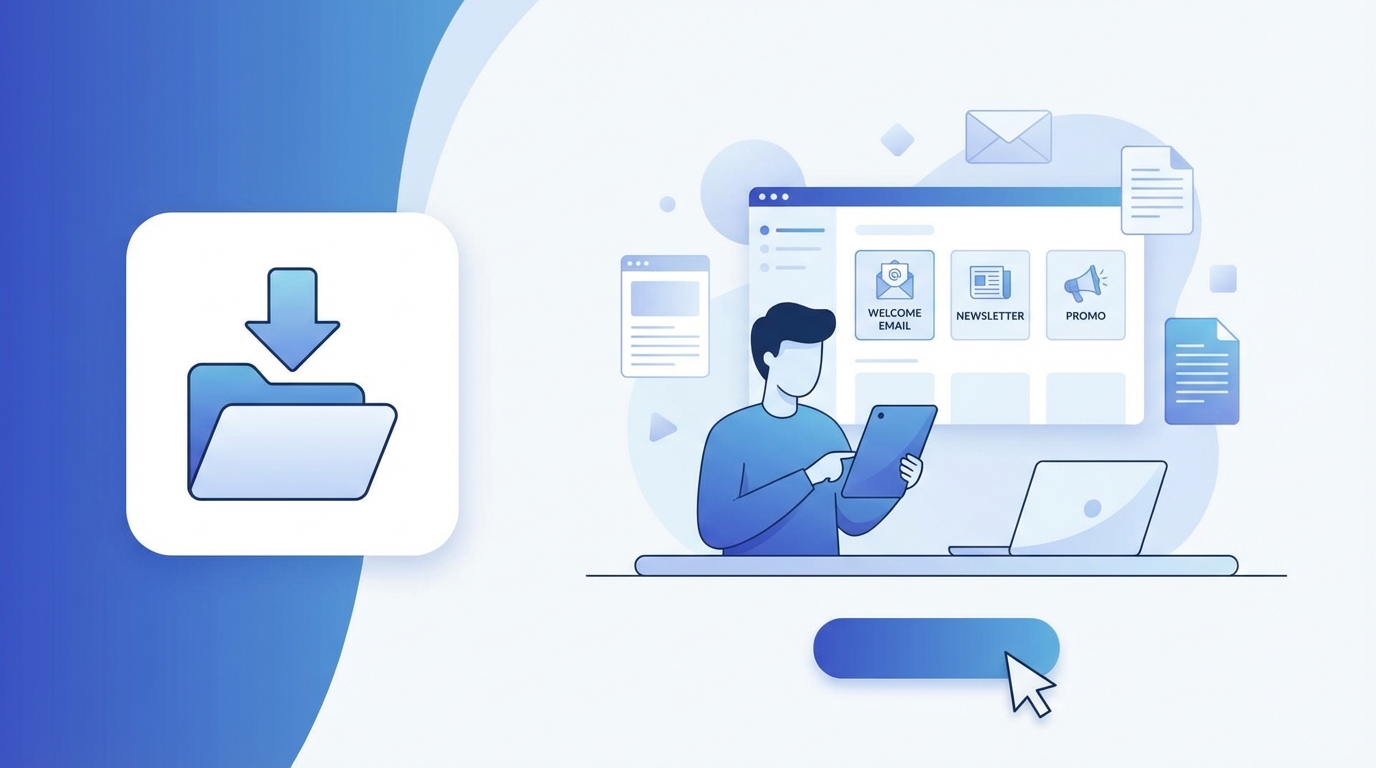
Ready-to-Download Email Template Collection
Starter Pack: Essential Business Templates
- Welcome Email Template — For new customer onboarding
- Newsletter Template — Regular audience engagement
- Promotional Template — Compelling sales offers
- Thank You Template — Customer appreciation and loyalty
- Event Invitation Template — Webinars, workshops, and events
Industry-Specific Template Packs
E-commerce Pack: Abandoned cart recovery, order confirmation, shipping notification, product recommendation, and customer review request templates.
Service Business Pack: Appointment confirmation, service completion follow-up, consultation booking, client testimonial request, and referral program invitation templates.
B2B Professional Pack: Meeting follow-up, proposal submission, contract renewal notification, partnership outreach, and project milestone update templates.
Template Features and Technical Specifications
Each download includes:
- Clean HTML File — W3C compliant, cross-client compatible code
- Inline CSS — Consistent rendering across all email clients
- Mobile-Responsive Design — Optimized for all screen sizes
- Customization Guide — Step-by-step personalization instructions
All templates are tested and compatible with Gmail, Outlook (2016, 2019, 365, web), Apple Mail, Yahoo Mail, Thunderbird, and all major email service providers.
How to Download and Implement Templates
Step 1: Download
- Browse the Email Bits template gallery
- Select your desired template or pack
- Click the "Download" button
- Receive an instant ZIP file download
- Extract files to your preferred location
Step 2: Customization
- Open the HTML file in any code editor or Email Bits online editor
- Replace placeholder text with your content
- Upload your logo and brand images
- Customize colors to match your brand palette
- Test the template in your email client
Step 3: Implementation Options
- Copy-Paste Method — Copy HTML code directly into your ESP
- File Upload — Upload the HTML file to platforms that support it
- Template Builder — Use the code as a starting point in visual editors
- Developer Integration — Incorporate into custom email systems
Email Service Provider Integration Guide
Mailchimp
- Go to Templates → Create Template → Code your own
- Paste your downloaded HTML code
- Preview and test before saving
Constant Contact
- Navigate to Email → Create → Custom Code
- Import your HTML template
- Save as a reusable template
