EmailBits 1.0: A New Chapter for HTML Email Templates
After months of building, I'm excited to share everything that's landed in the 1.0 release — 200+ templates, an AI generator, two editors, Brand Kit, and a lot more.
Posted by
 Cory Trimm
Related reading
Quick Editor vs. Advanced Editor: Which One Should You Use?
EmailBits has two built-in editors. Here's what each one does, when to use which, and why upgrading to the Advanced Editor unlocks a lot more.
AI Email Template Generator: Build Emails in Minutes
Generate professional HTML email templates with AI — describe what you need, get a complete responsive template in under 2 minutes. Free to try.
Introducing Email Tokens: Personalize Your Templates Instantly
New Email Tokens feature lets you personalize email templates with your company info and custom variables.
I'm thrilled to share this with you
I've been heads-down building EmailBits for longer than I care to admit, and today I'm happy to call this version 1.0. Not in the “we slapped a number on it” sense — in the “this is genuinely the product I set out to build” sense.
I've been working with some of you directly as early users, and your feedback has shaped nearly every decision in this release. If you sent me a message about a missing feature, a confusing flow, or a template you wished existed — thank you. It's in here.
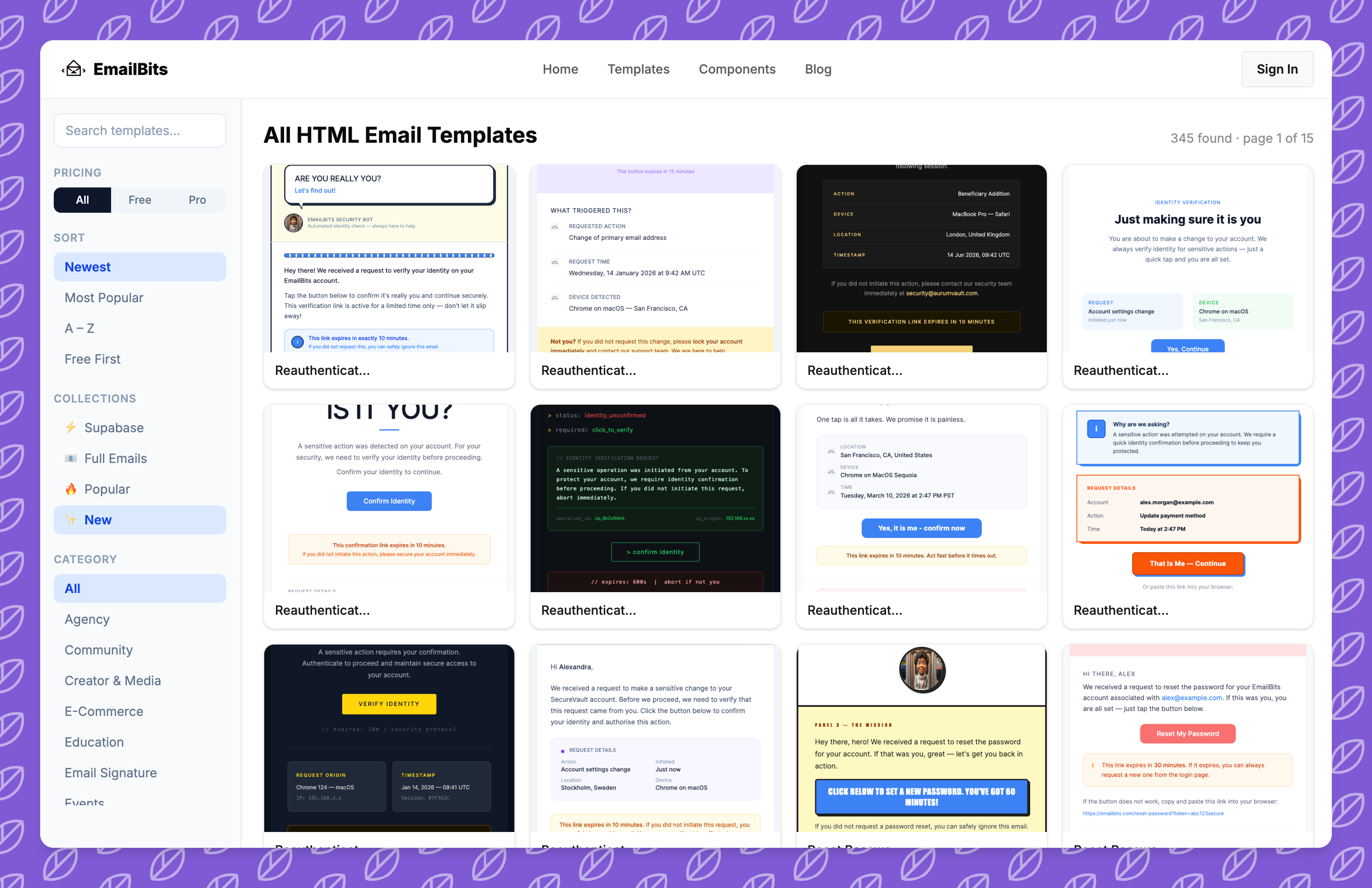
200+ Production-Ready Templates
When I started EmailBits, the goal was simple: give developers and marketers a library of genuinely good HTML email templates they could actually use. Not boilerplate. Not filler. Templates built with React Email, tested across Gmail, Outlook, and Apple Mail, with real design thought behind them.
We're now at over 200 templates spanning every category I could think of — SaaS lifecycle emails, e-commerce campaigns, real estate, healthcare, nonprofit, event invitations, welcome series, re-engagement, and a lot more. The Supabase Auth template collection alone covers all six authentication flows with 15 design variations each.
Every template ships with clean HTML you can copy into any email platform, plus the React Email JSX source if you want to customize at the code level.
The AI Template Generator
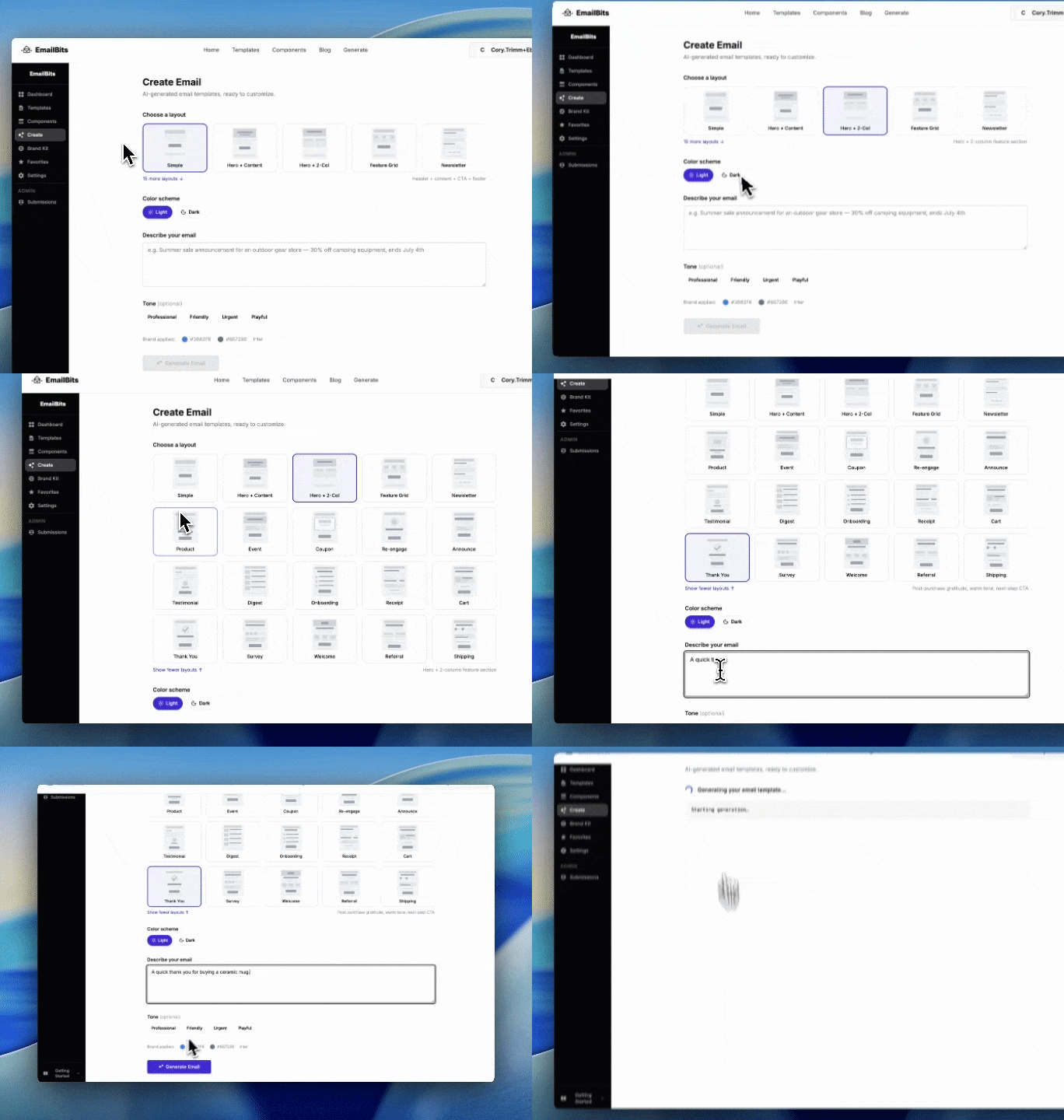
This is the feature I'm most excited about. Describe the email you need — “a Black Friday announcement for a coffee subscription brand with warm earthy tones” — and EmailBits generates a complete, production-ready React Email template from scratch.
It's not a drag-and-drop builder filling in placeholders. The AI uses the same React Email component library and Tailwind CSS constraints as every hand-crafted template in the library, so the output is actually usable code — not something you have to rewrite.
The generator respects your Brand Kit settings automatically: your primary color, font choice, and company details flow into the output without you having to specify them every time. AI generation is available on the Pro Features plan with a non-expiring credit balance — buy credits when you need them, they don't expire at the end of the month.
Two Editors for Two Different Workflows
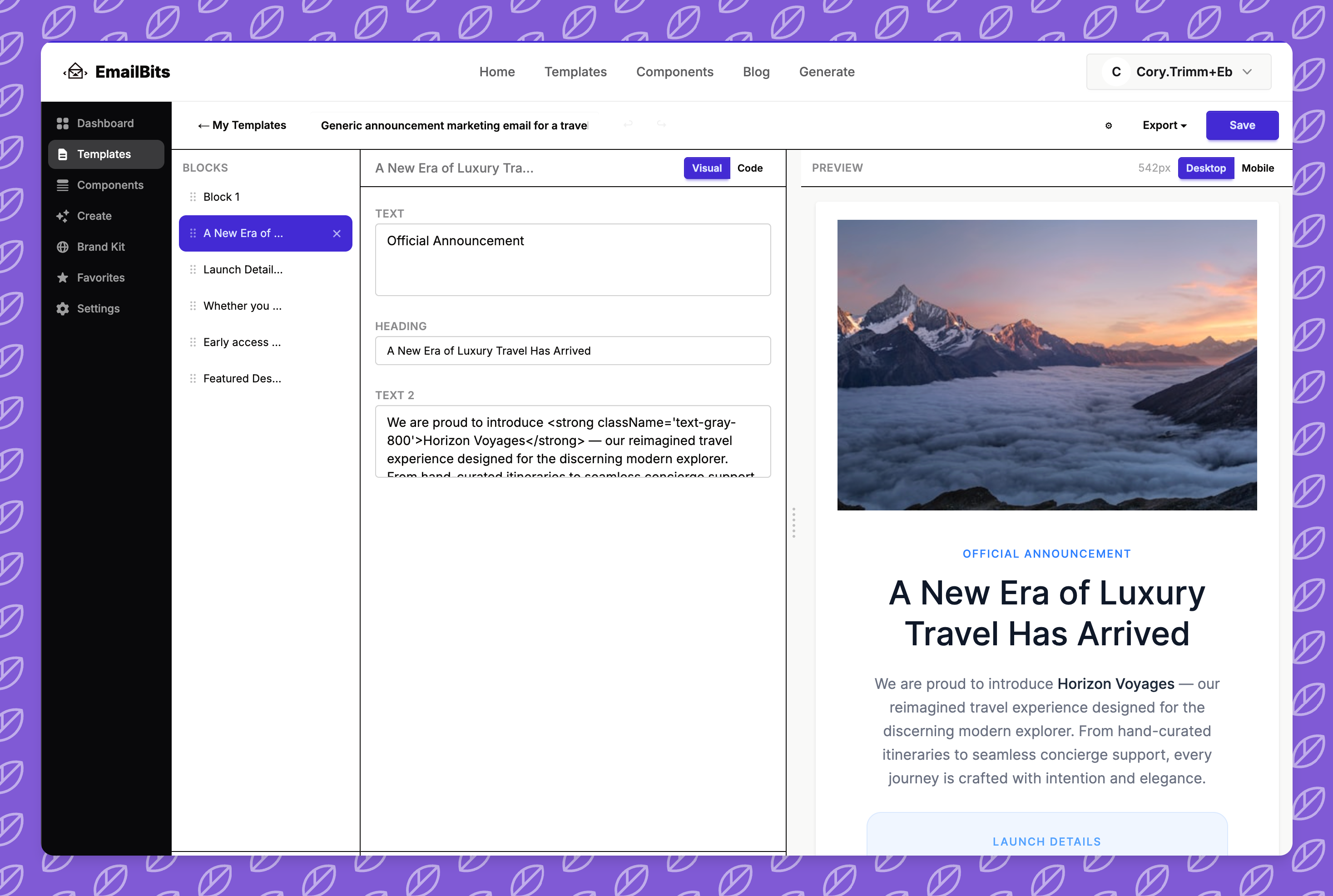
One of the biggest things I wanted to get right in 1.0 was the editing experience. Not everyone who uses EmailBits wants to touch code. And not everyone wants a toy editor that won't let them do anything real.
So we now have two editors:
- Quick Editor — no login required. Open any template, edit the text and images in a sidebar, see a live preview, download the HTML. Fast, focused, zero friction.
- Advanced Editor — the full power tool. Rearrange sections with drag-and-drop, add components from the library, save customized versions to your personal library, and have your Brand Kit auto-applied via Email Tokens. Available on the Pro Features plan.
The Quick Editor is free because I believe everyone should be able to get value from the library without a credit card. The Advanced Editor is Pro because it's a genuinely different product — a full workflow tool, not just a preview.
Brand Kit & Email Tokens
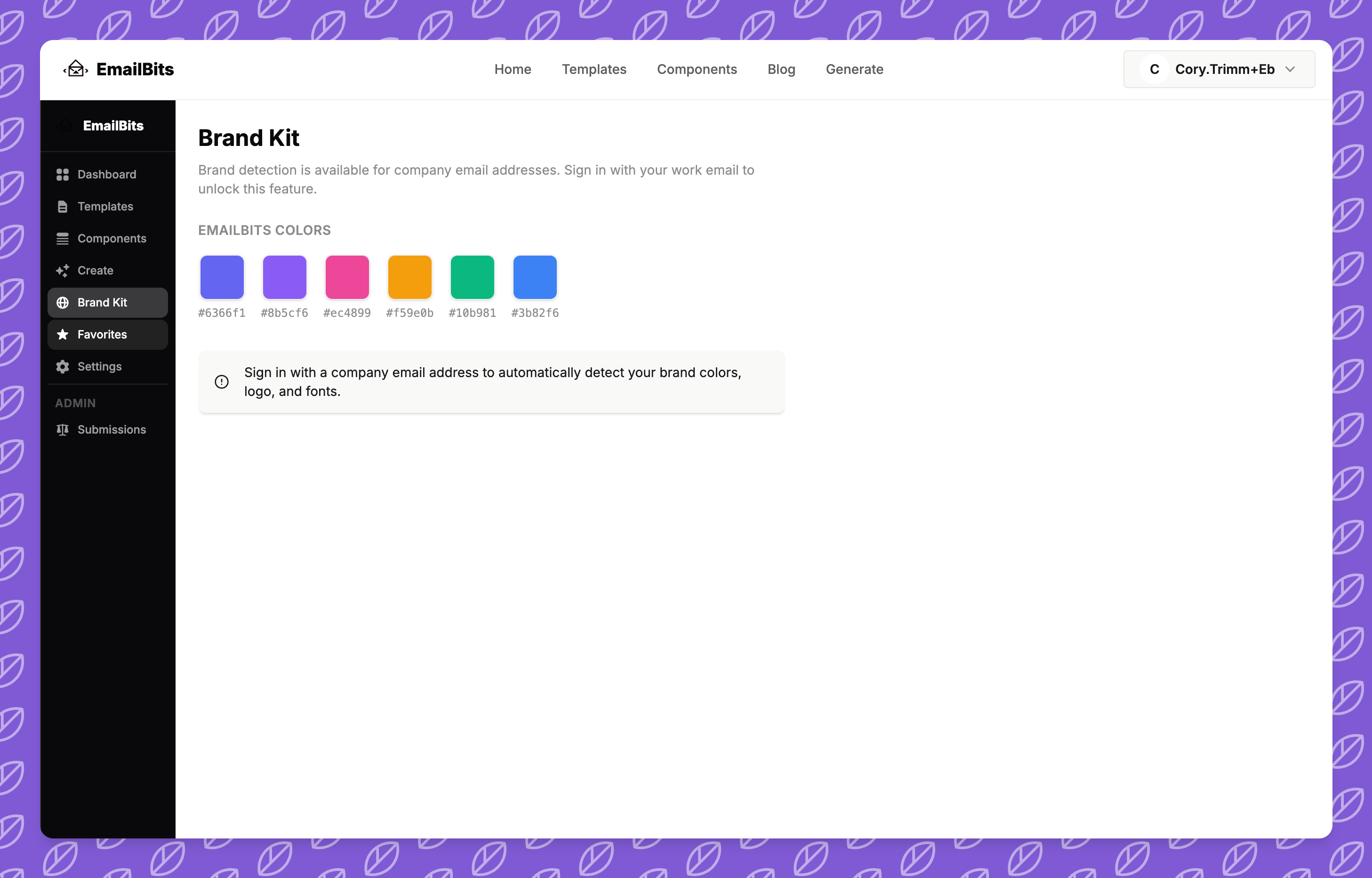
If you've ever customized the same email template five times because you forgot to update your company name, you'll appreciate this. The Brand Kit lets you set your company name, logo, primary color, and other brand details once. Email Tokens — placeholders like {{COMPANY_NAME}} — are automatically substituted with your Brand Kit values in every preview and export.
You can also auto-detect your brand settings from your website URL. Paste in your domain and EmailBits pulls your colors, logo, and company name directly from your site's metadata. It's not perfect, but it's a great starting point.
New Pricing: Simple and Fair
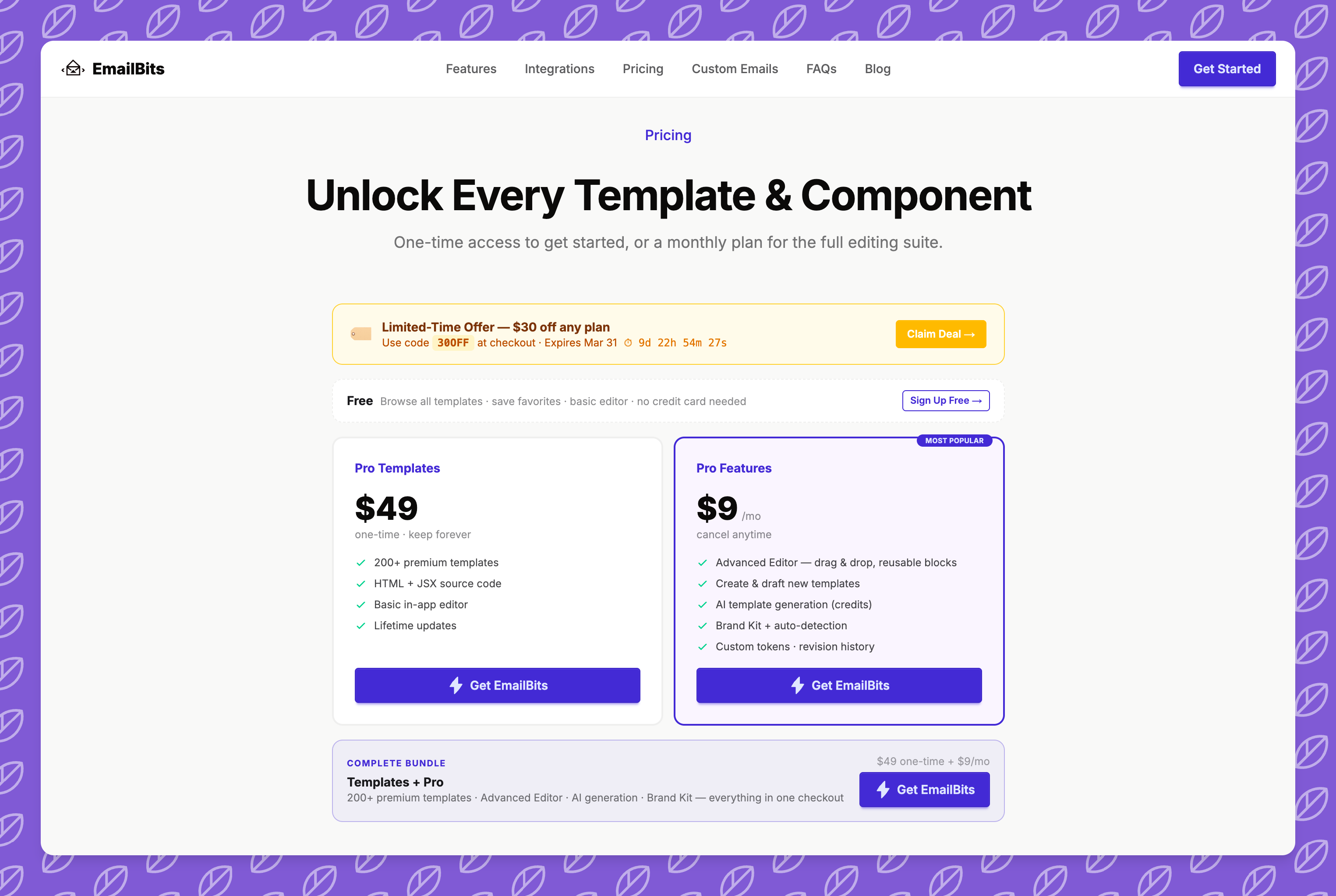
I rethought the pricing for 1.0. There are now two paid tiers, and they're independent — you don't have to buy one to get the other:
- Premium Library ($49 one-time) — lifetime access to 450+ premium templates, both HTML and JSX source, plus the basic editor. No subscription required.
- Pro Features ($9/month) — advanced editor, AI generation, Brand Kit, custom tokens, and revision history. Works with free or premium templates. Subscribe when you need it; cancel anytime.
If you just need the template library, the one-time purchase gets you there. If you want the AI generator and brand workflow, the subscription adds that layer on top.
What's Coming Next
1.0 is a milestone, not a finish line. Here's what I'm actively working on:
- Better Brand Kit — richer brand settings, multi-brand support for agencies managing multiple clients, and smarter token auto-detection
- Team collaboration & sharing — share your saved templates with teammates, leave comments, manage a shared template library across your organization
- Direct ESP integrations — push templates directly to Mailchimp, SendGrid, Klaviyo, and other platforms without manual copy-paste
- More template categories — I'm constantly expanding the library based on what people are searching for and requesting
If there's a feature you want to see, reply to any of my emails or open an issue. I read every single one.
Thank You
Genuinely — thank you for using EmailBits. Every template view, every download, every email I get asking “can you add X” is what keeps this going. Building something people actually use is the whole point.
If you've been on the fence about upgrading, now is a good time. I've got a launch discount running for the next week — check your inbox or head to the pricing page to grab it before it expires.
Here's to 1.0. And to whatever comes next.
— Cory
