
Email Templates for SendGrid
Copy HTML for SendGrid Dynamic Templates, or JSX for server-side rendering with React Email. 600+ free templates — no account needed. Works with Node.js, Next.js, and the Twilio SendGrid API.
Two Ways to Use EmailBits with SendGrid
Every template includes both an HTML tab and a JSX tab — use whichever fits your sending setup.
Dynamic Templates
Copy the HTML tab and paste it into a SendGrid Dynamic Template. Use SendGrid's Handlebars syntax ({{first_name}}) for personalization. Works in the SendGrid dashboard — no code required.
API Rendering
Copy the JSX tab. Render it server-side with React Email's render() function and pass the HTML string to the SendGrid API. Works with any Node.js or Next.js backend.
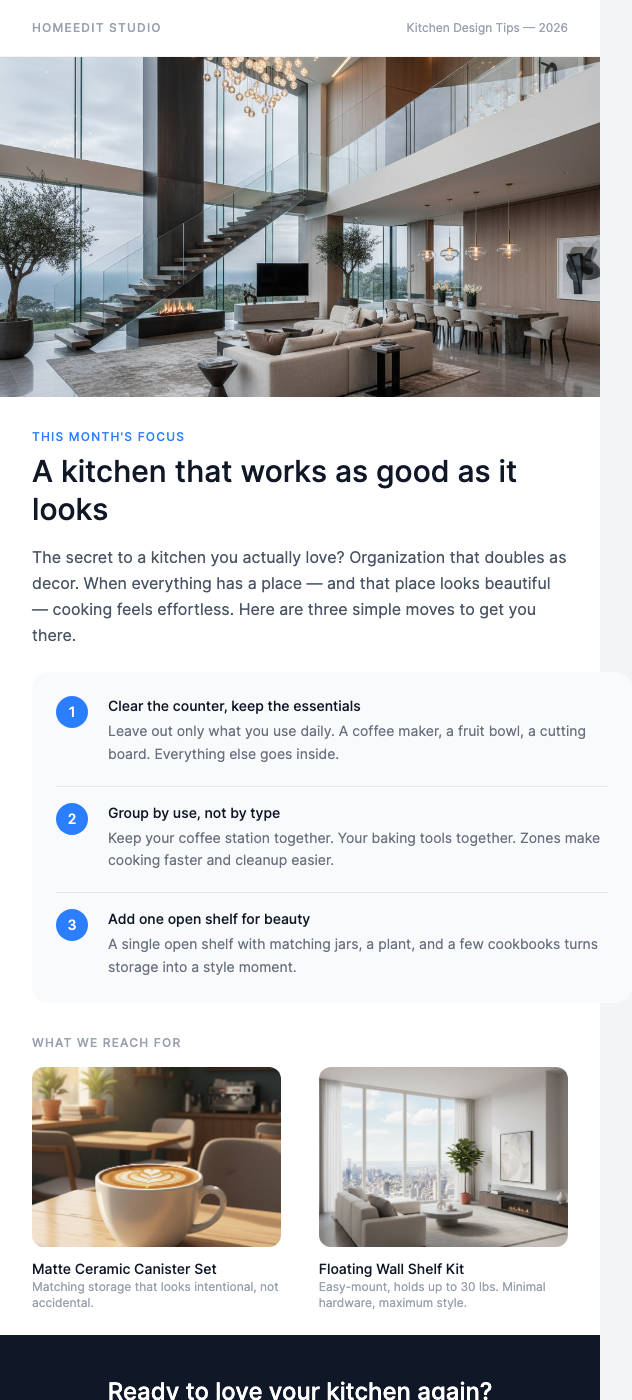
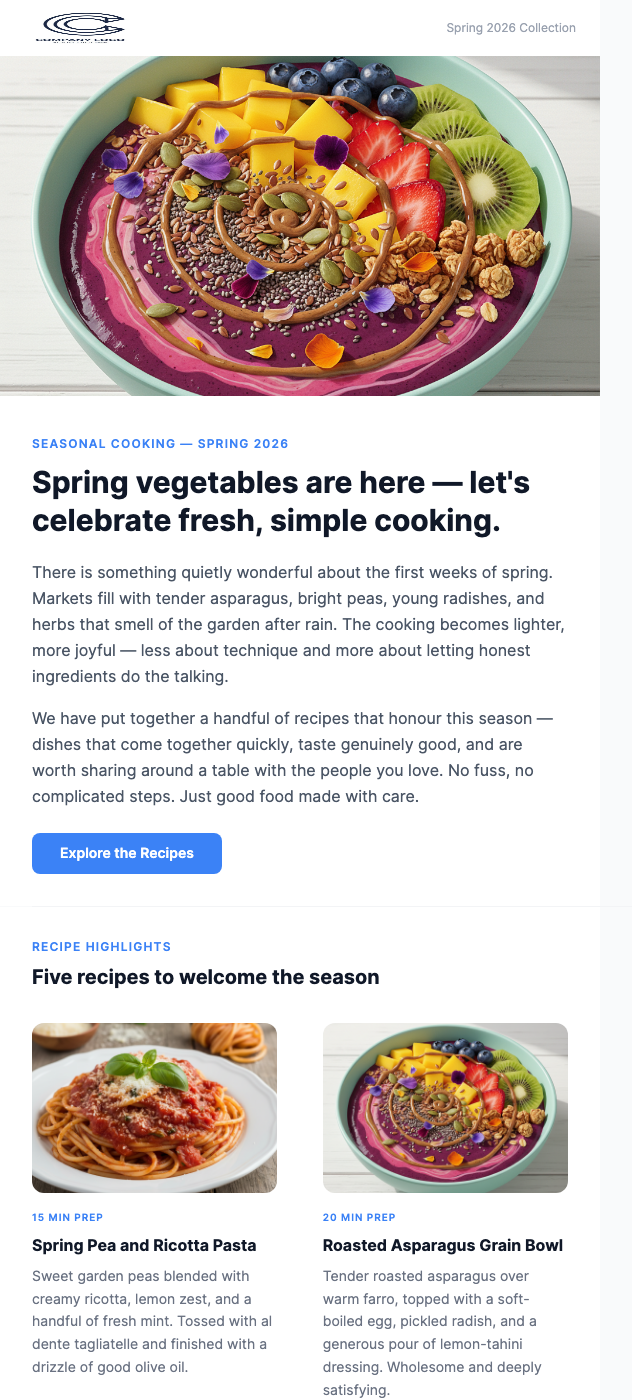
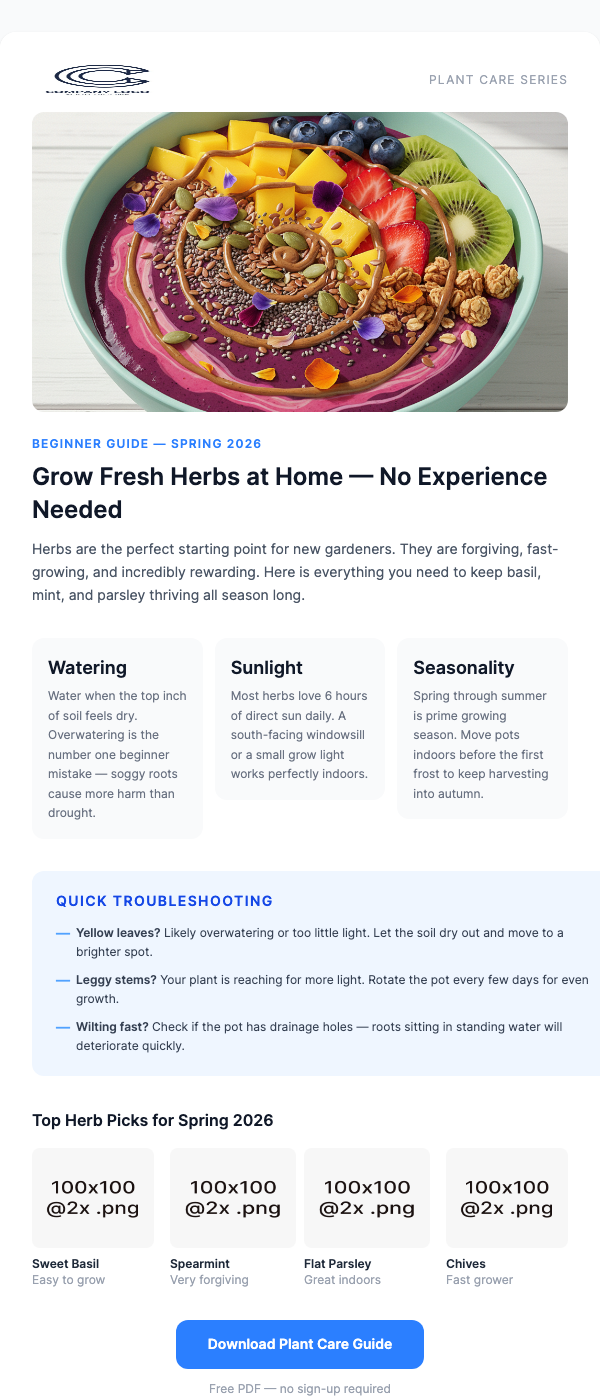
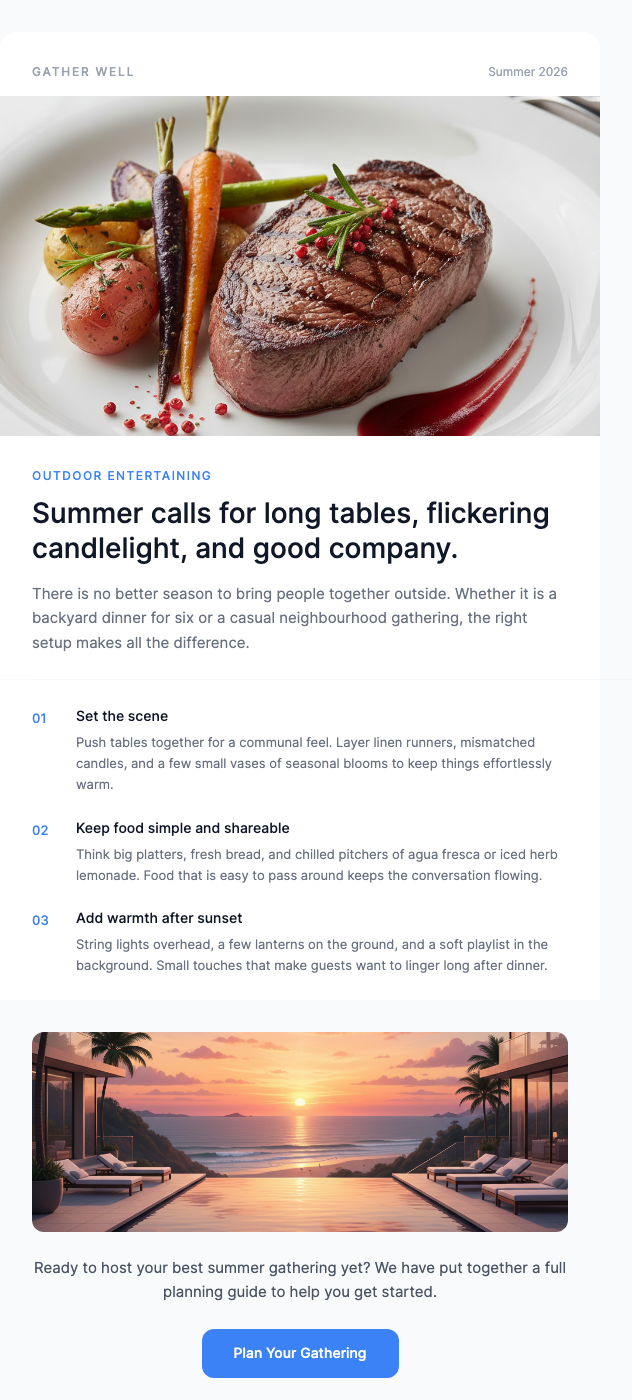
Free SendGrid-Ready Templates
HTML and JSX tabs on every template.



Why Use EmailBits Templates with SendGrid?
HTML for Dynamic Templates, JSX for API sends
The only free template library with both. Use the HTML tab for SendGrid's template editor, or the JSX tab for programmatic rendering via the API — your choice on every template.
Inline styles for inbox reliability
SendGrid delivers to Gmail, Outlook, and Apple Mail. EmailBits HTML uses inline CSS — no external stylesheets stripped by receiving clients. Reliable rendering across every inbox.
600+ free, zero sign-up
Browse the entire free library and copy code without creating an account. Sign up only if you want to save templates or access premium designs.
AI-generated transactional templates
Need a specific order confirmation, invoice, or notification template? The EmailBits AI generator (Pro, $49 one-time) produces a complete HTML + JSX template from a description in under 2 minutes.
Premium Templates
139 additional premium designs — $49 one-time.
Ready to send better emails with SendGrid?
Browse 600+ free HTML and JSX email templates. Copy, paste into SendGrid or your Node.js app, send. No account required.