
Email Templates for Mailchimp
Copy the HTML from any template and paste it into Mailchimp's custom HTML editor. 600+ free templates, ready in under a minute. No design skills required.
How to Use EmailBits Templates in Mailchimp
Browse & Preview
Find a template in the free library. No account needed to preview.
Copy the HTML
Click the HTML tab and copy the full code. It's plain, inline-styled HTML — exactly what Mailchimp needs.
Paste into Mailchimp
In Mailchimp, create a campaign → choose "Code your own" → paste the HTML. Done.
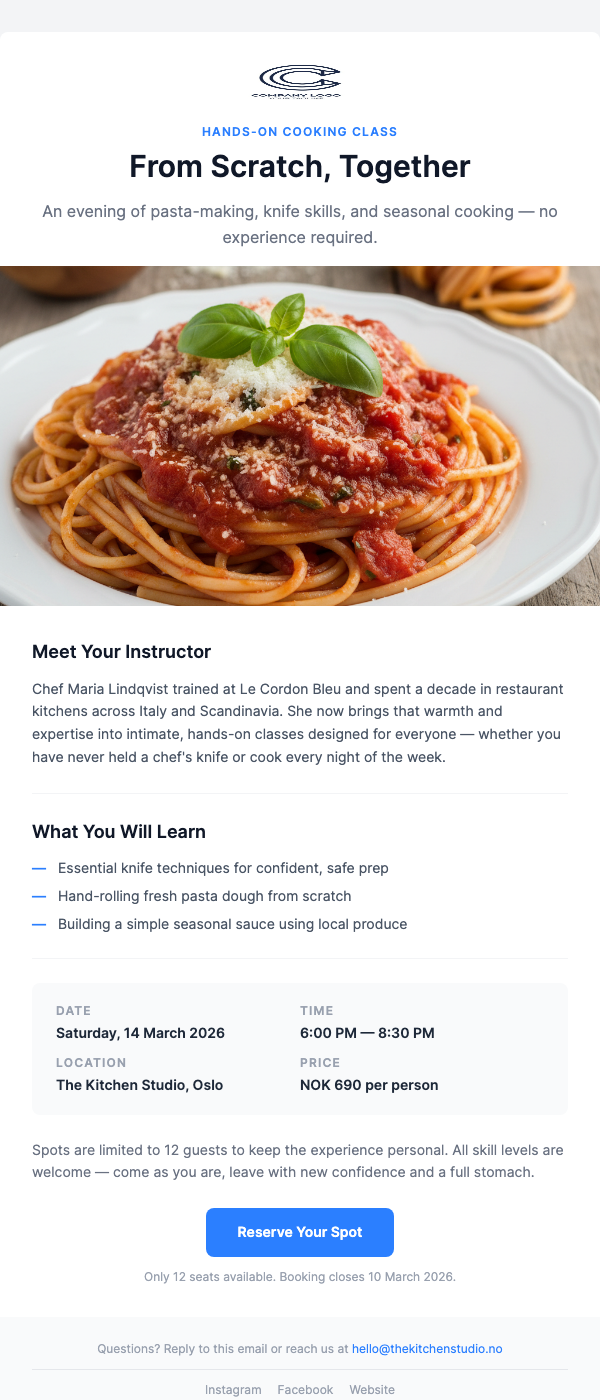
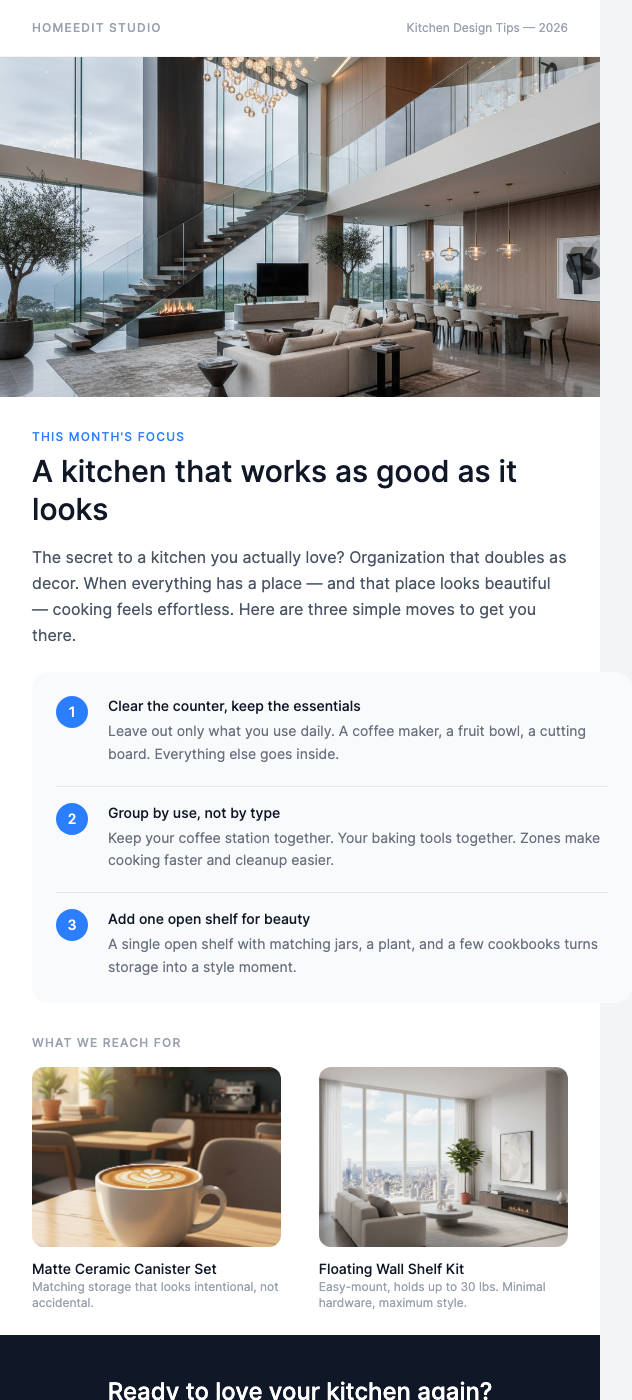
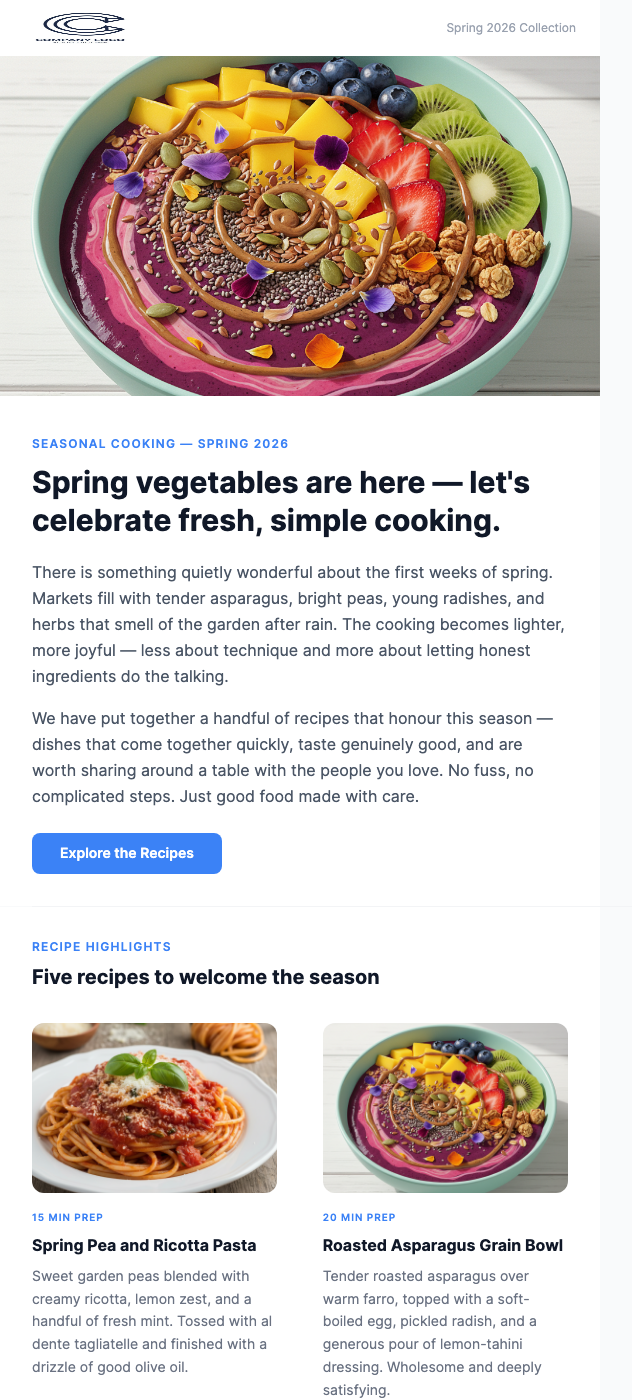
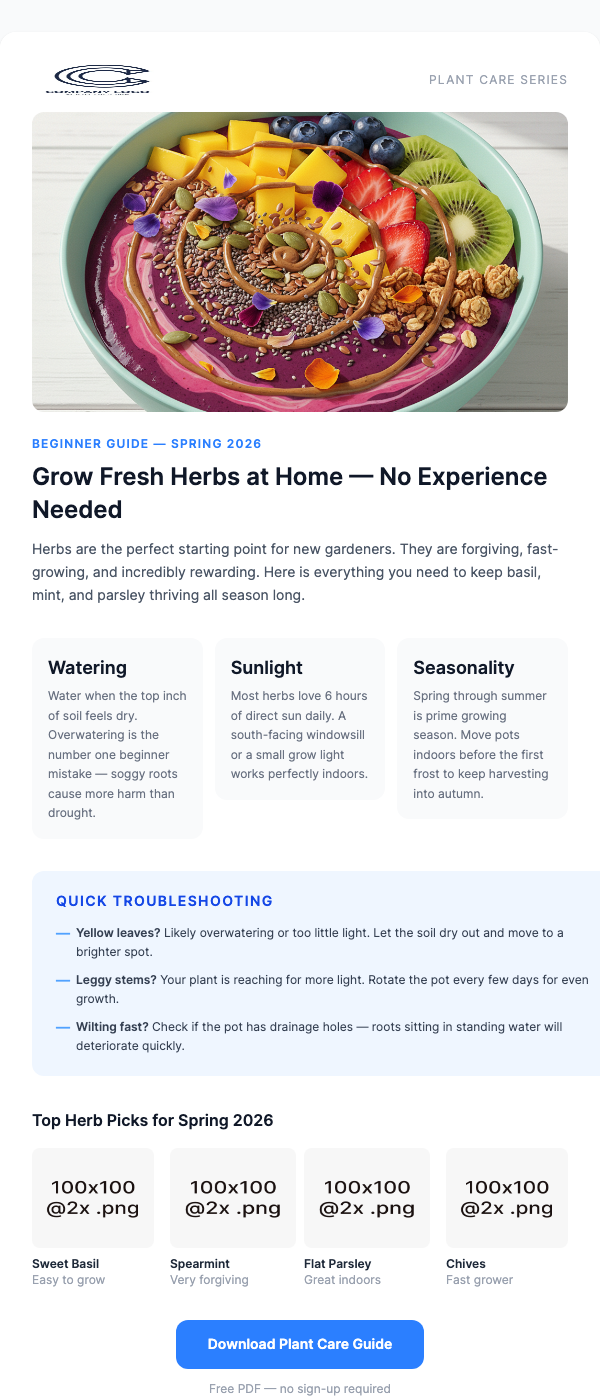
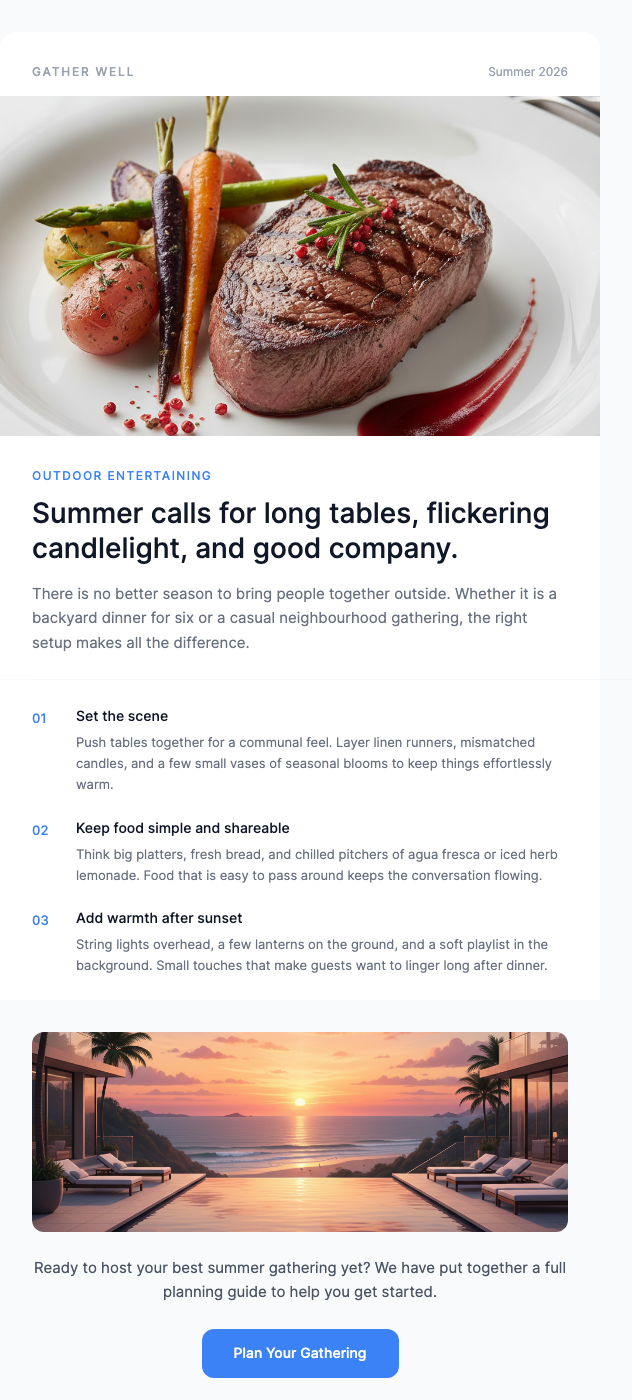
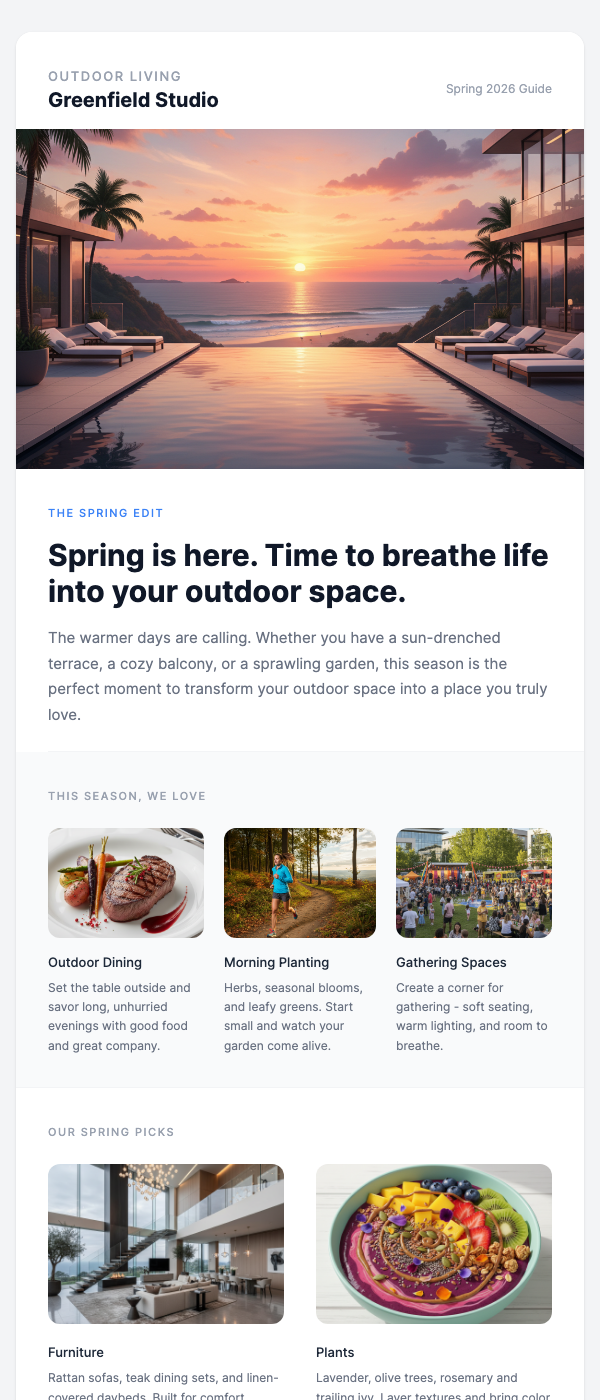
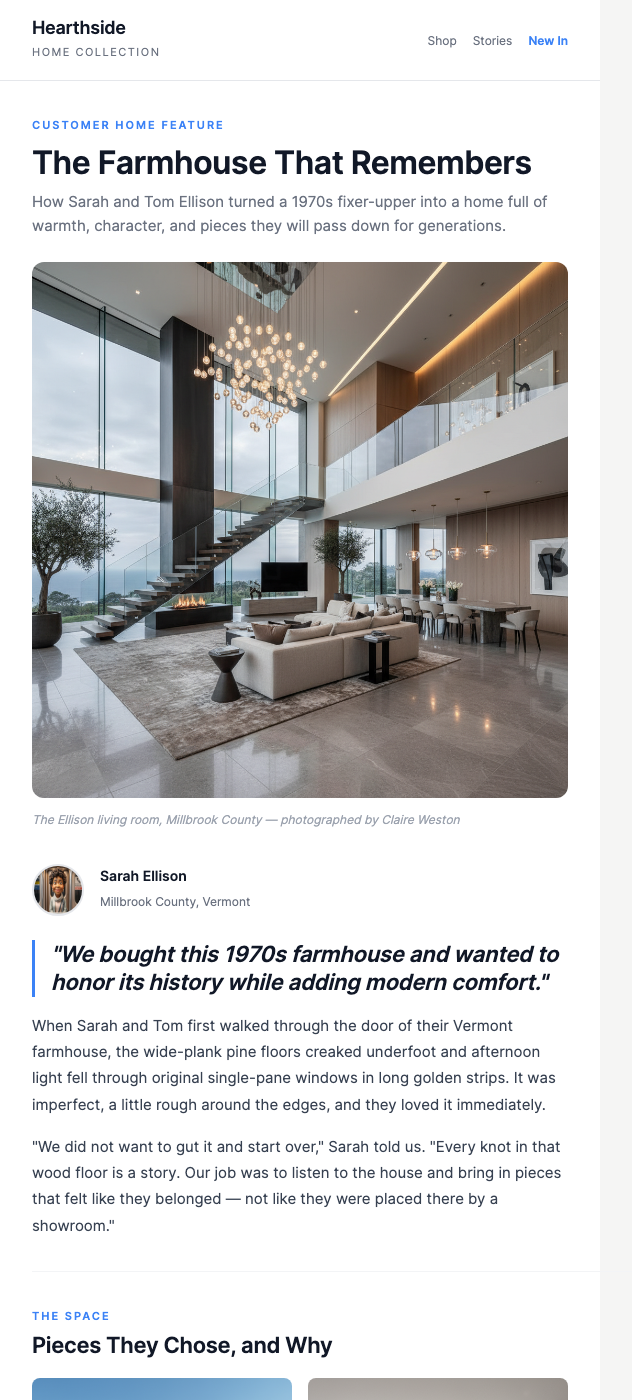
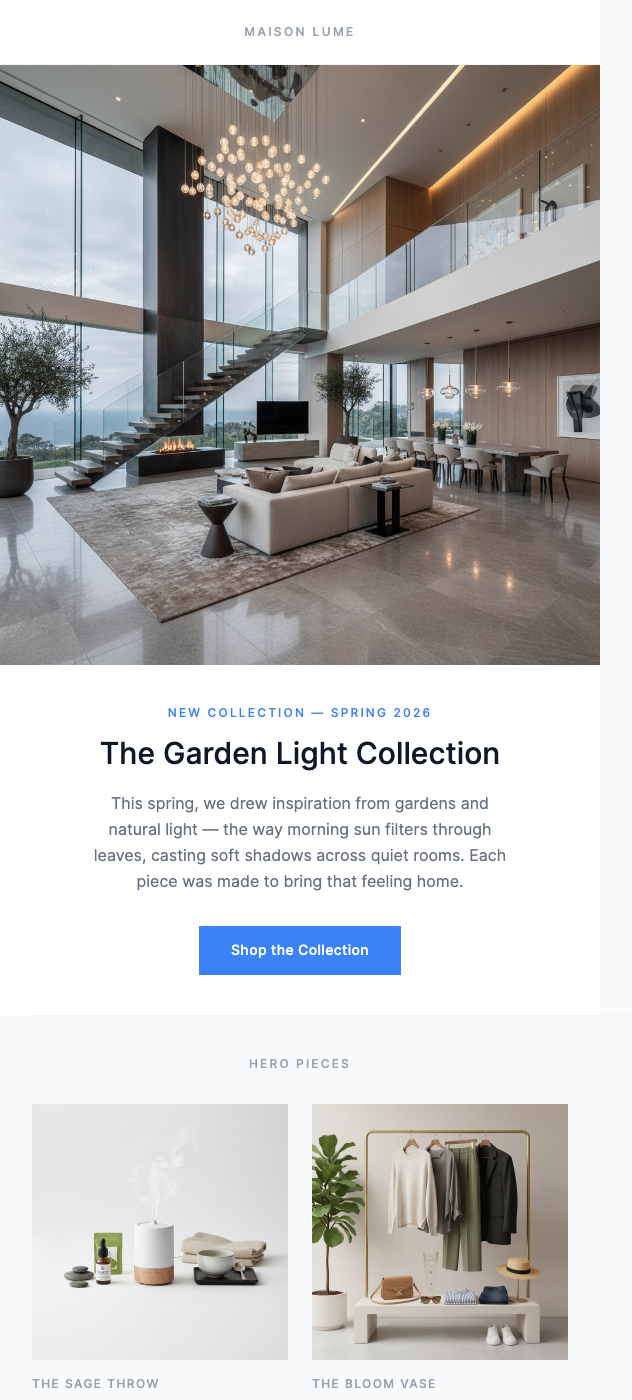
Free Mailchimp-Ready Templates
All HTML — copy, paste into Mailchimp, send.
Why Use EmailBits Templates with Mailchimp?
Inline styles, Outlook-safe
EmailBits HTML uses inline CSS throughout — no external stylesheets, no @media dependencies that Mailchimp strips. Renders correctly in Gmail, Outlook, and Apple Mail.
No Mailchimp drag-and-drop required
Mailchimp's builder adds extra wrapper HTML. Pasting clean HTML from EmailBits gives you a leaner, faster-loading email with exactly the design you see in the preview.
600+ free, zero sign-up
Browse the entire free library and copy code without creating an account. Sign up only if you want to save templates or access premium designs.
Brand kit for Mailchimp
Pro plan: enter your URL and EmailBits auto-detects your brand colors and logo. Apply them across templates before copying to Mailchimp — consistent branding in one click.
Premium Templates
139 additional premium designs — $49 one-time.
Ready to send better Mailchimp emails?
Browse 600+ free HTML email templates. Copy, paste into Mailchimp, send. No account required.
Browse Free Templates