
Email Templates for Klaviyo
Copy the HTML from any template and paste it into Klaviyo's custom HTML editor. 600+ free templates ready in under a minute — welcome flows, promotional emails, post-purchase sequences, and more.
How to Use EmailBits Templates in Klaviyo
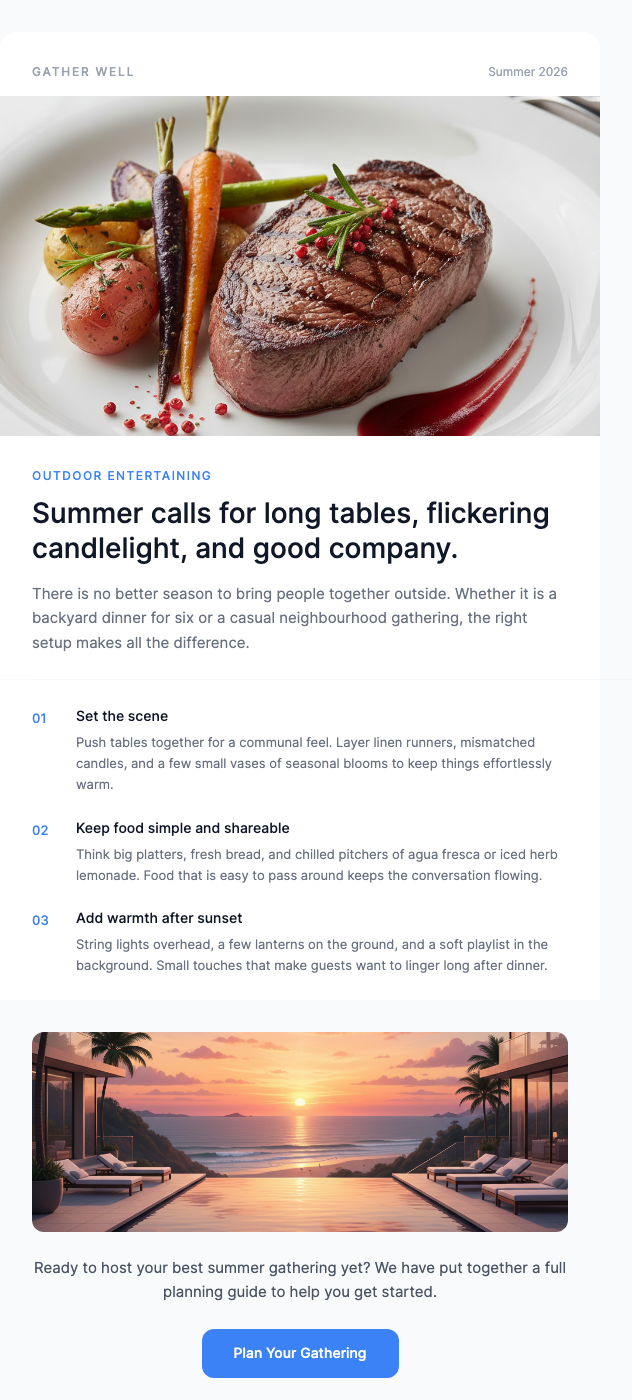
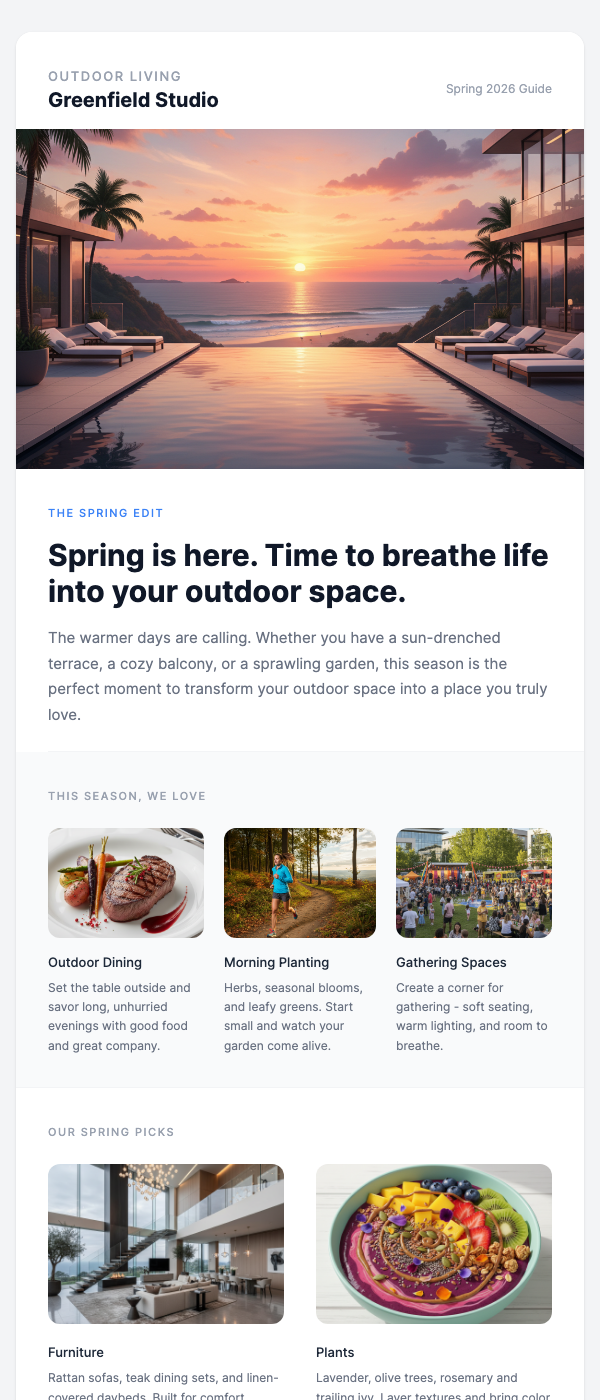
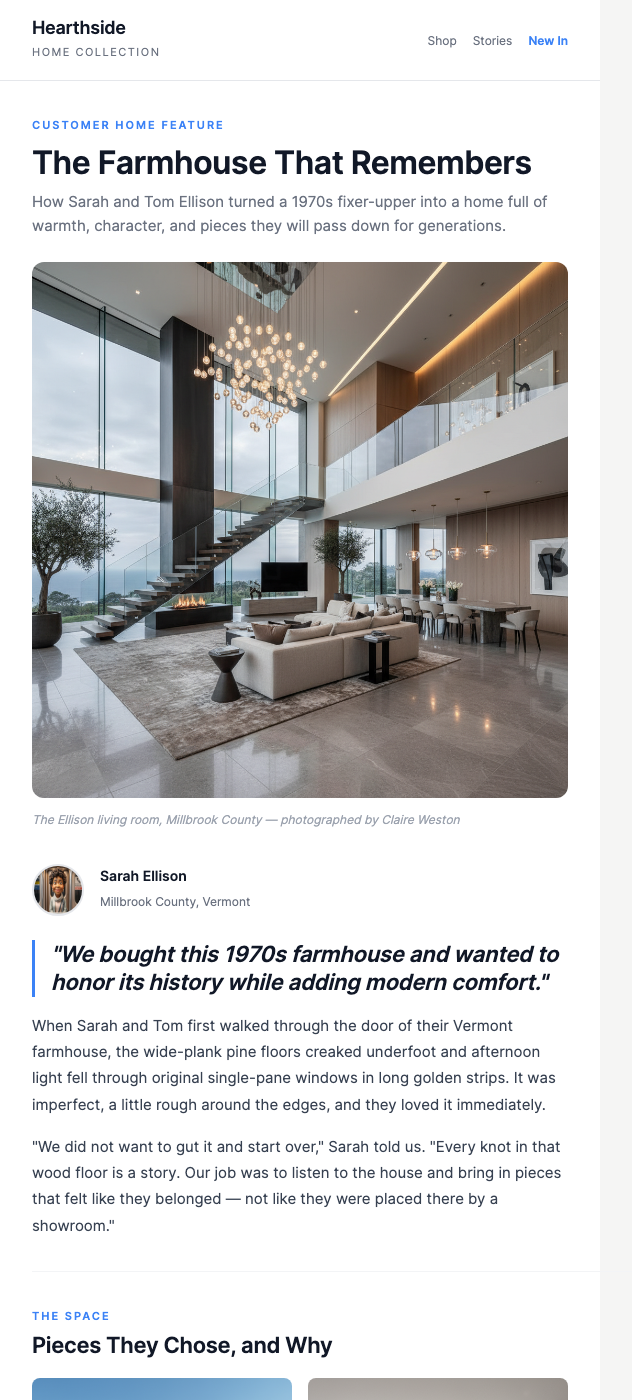
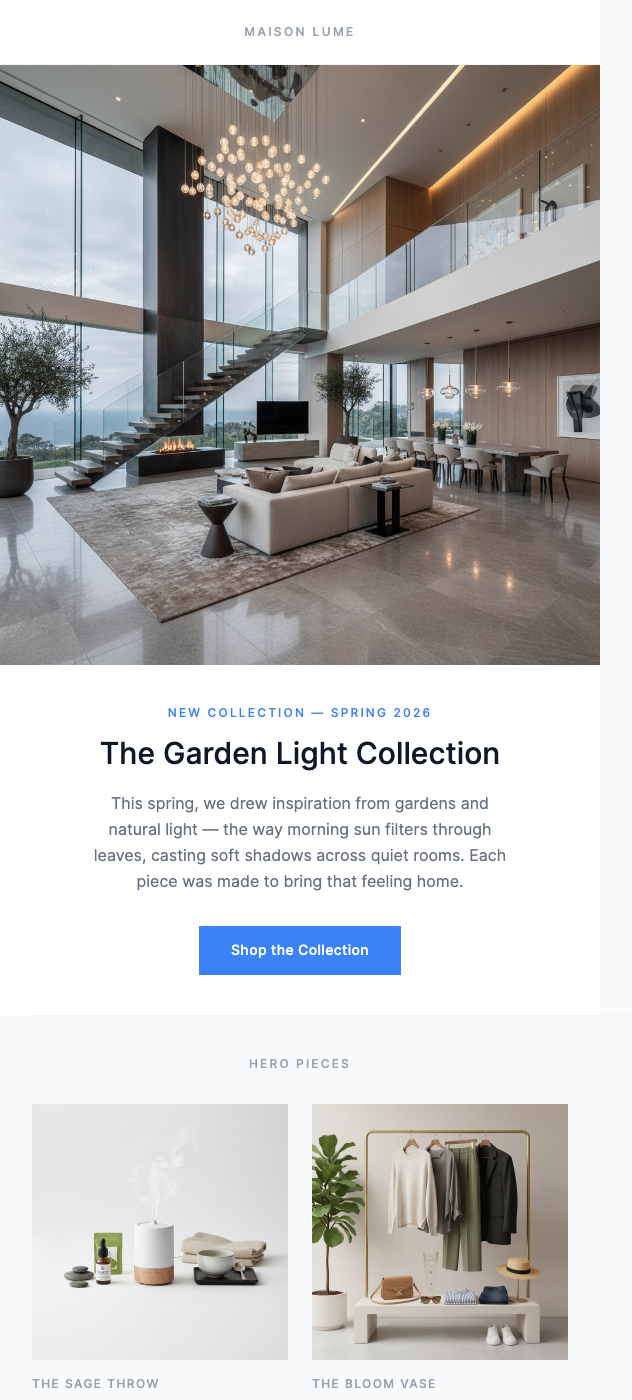
Browse & Preview
Find a template in the free library. No account needed to preview.
Copy the HTML
Click the HTML tab and copy the full code. It's plain, inline-styled HTML — exactly what Klaviyo needs.
Paste into Klaviyo
In Klaviyo, open a flow or campaign → edit the email step → choose "Custom HTML" → paste the code. Then add your Klaviyo merge tags.
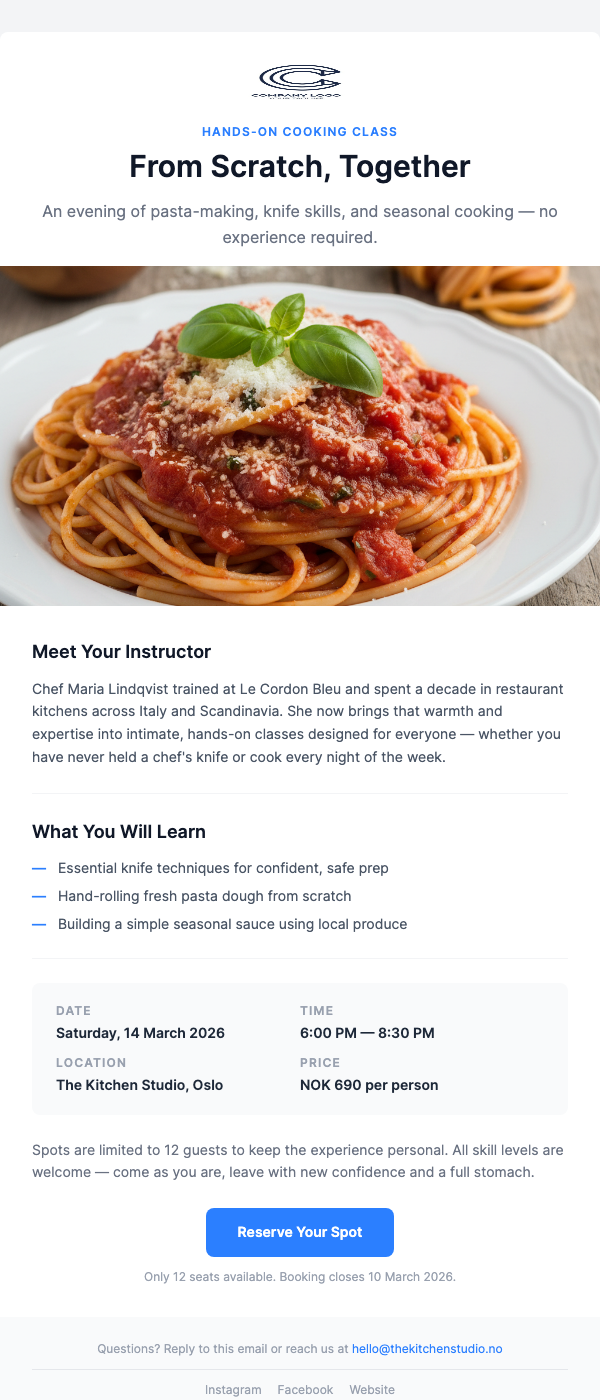
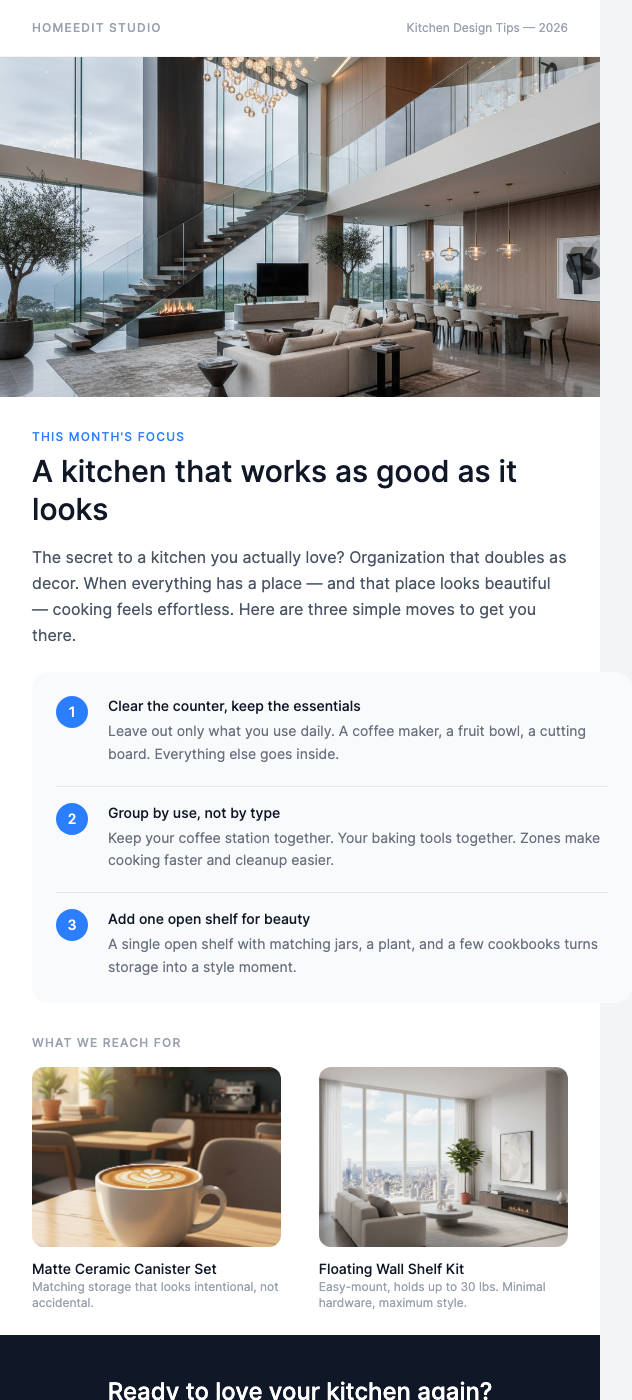
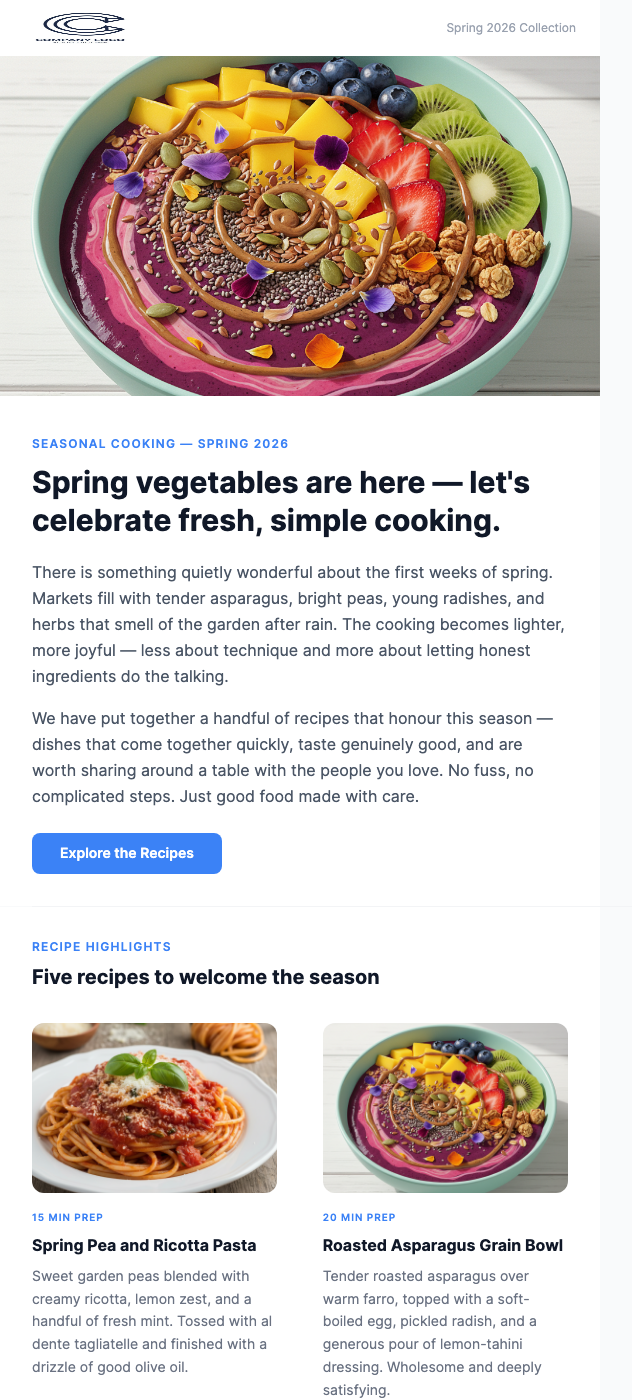
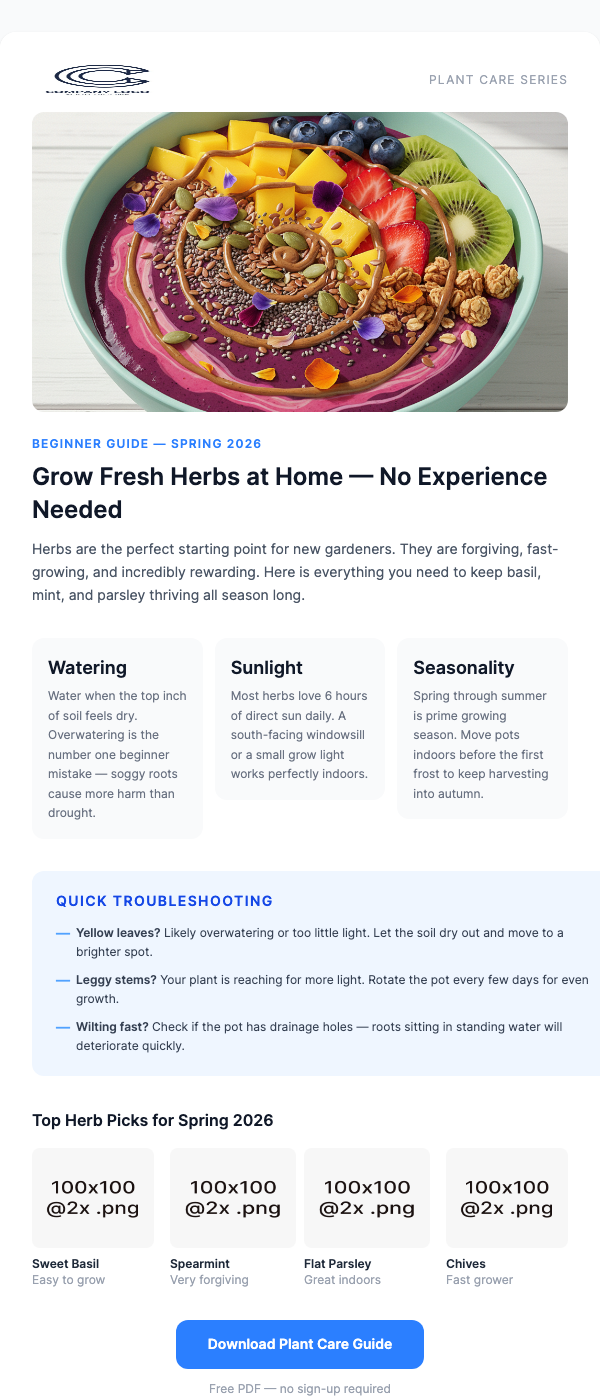
Free Klaviyo-Ready Templates
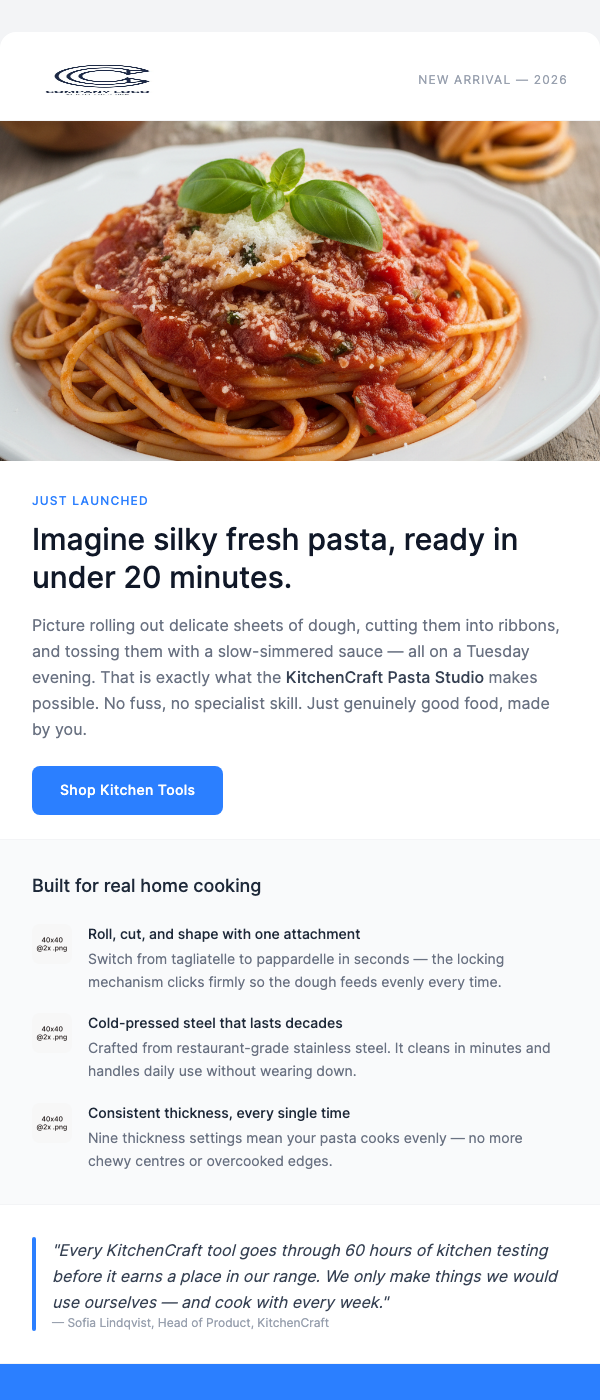
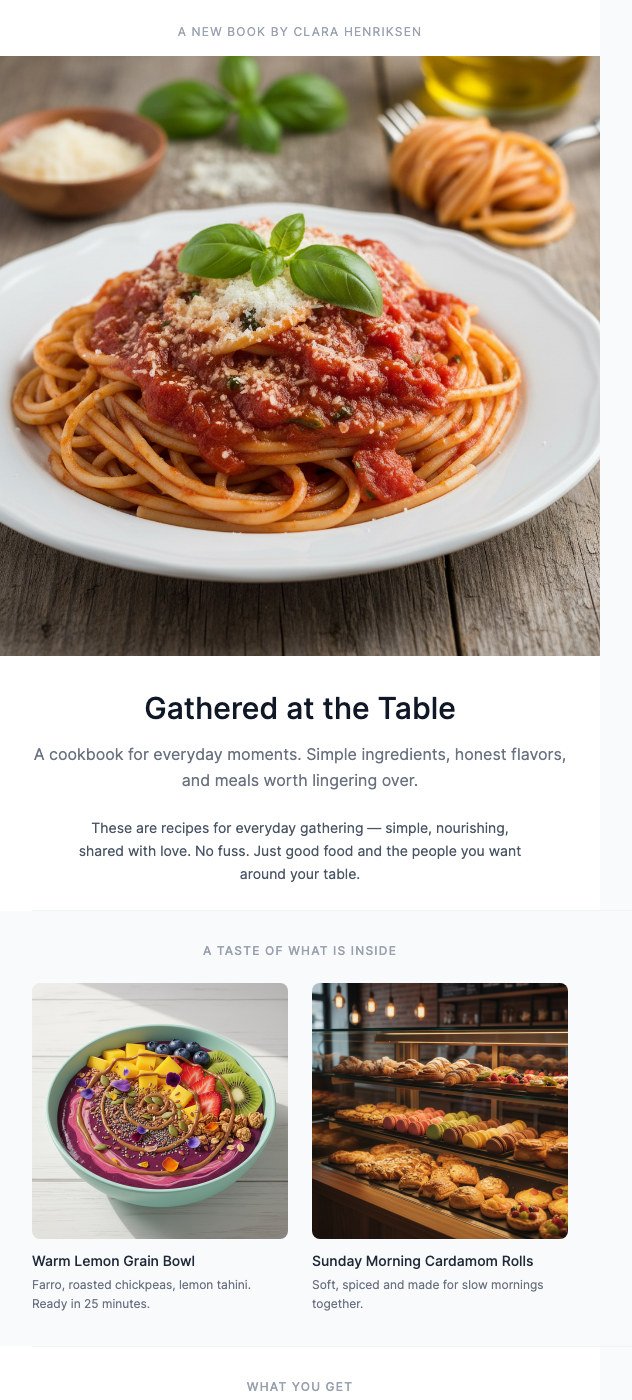
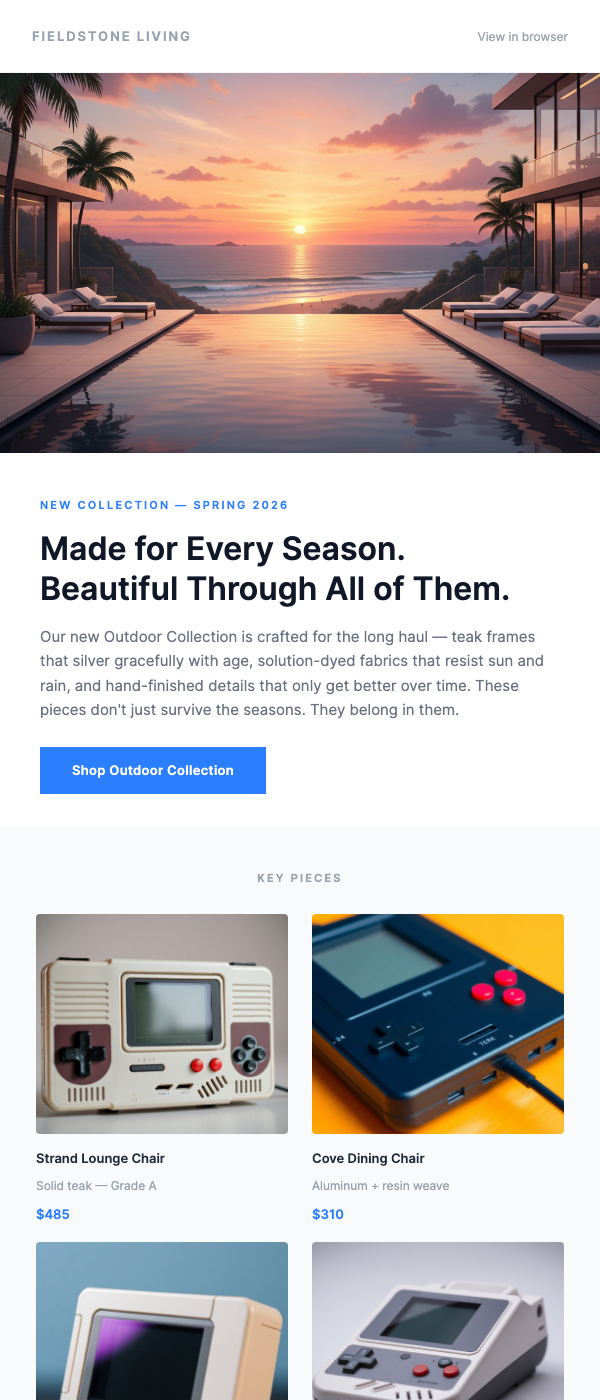
All HTML — copy, paste into Klaviyo, send.
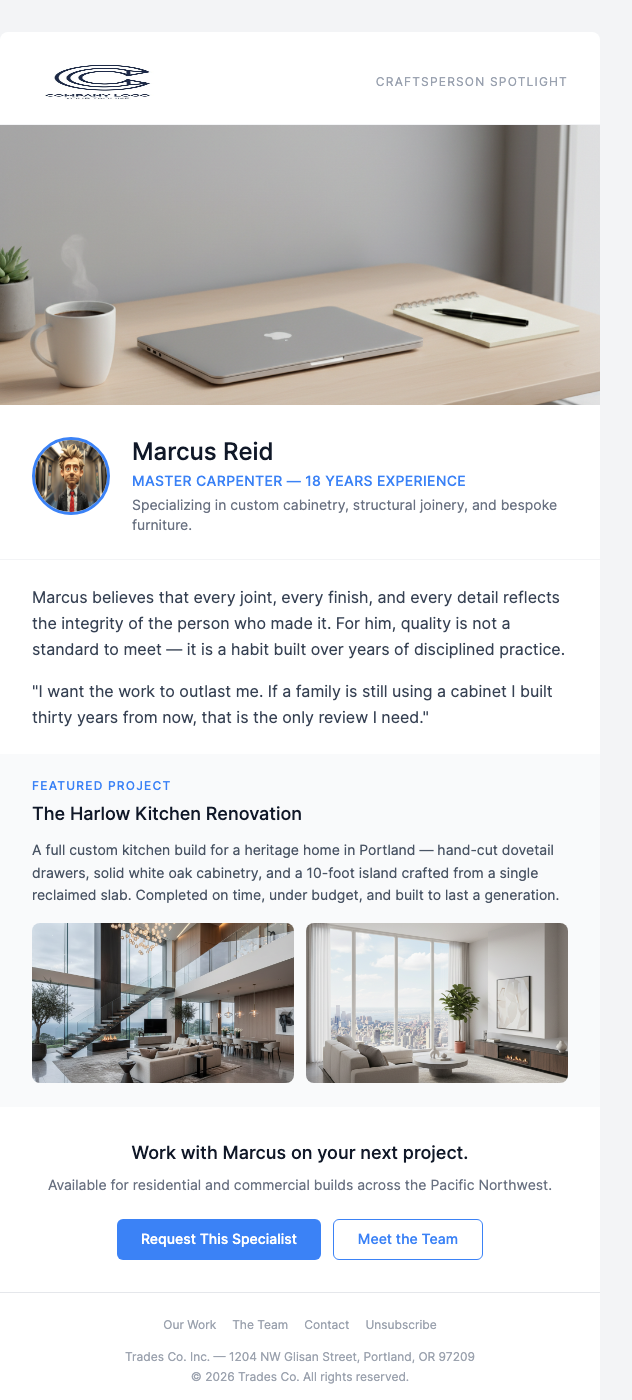
Why Use EmailBits Templates with Klaviyo?
Inline styles, email-client safe
Klaviyo sends to Gmail, Outlook, and Apple Mail. EmailBits HTML uses inline CSS throughout — no external stylesheets that get stripped by receiving clients. Your email looks right everywhere.
Add Klaviyo merge tags after copying
EmailBits templates are plain HTML with no ESP lock-in. After pasting into Klaviyo, add {{ first_name | default: 'there' }} and other Klaviyo personalization variables directly in Klaviyo's editor.
600+ free, zero sign-up
Browse the entire free library and copy code without creating an account. Sign up only if you want to save templates or access premium designs.
Brand kit for Klaviyo flows
Pro plan: enter your URL and EmailBits auto-detects your brand colors and logo. Apply them across templates before copying to Klaviyo — consistent branding across all your flows in one click.
Premium Templates
139 additional premium designs — $49 one-time.
Ready to send better Klaviyo emails?
Browse 600+ free HTML email templates. Copy, paste into Klaviyo, send. No account required.
Browse Free Templates